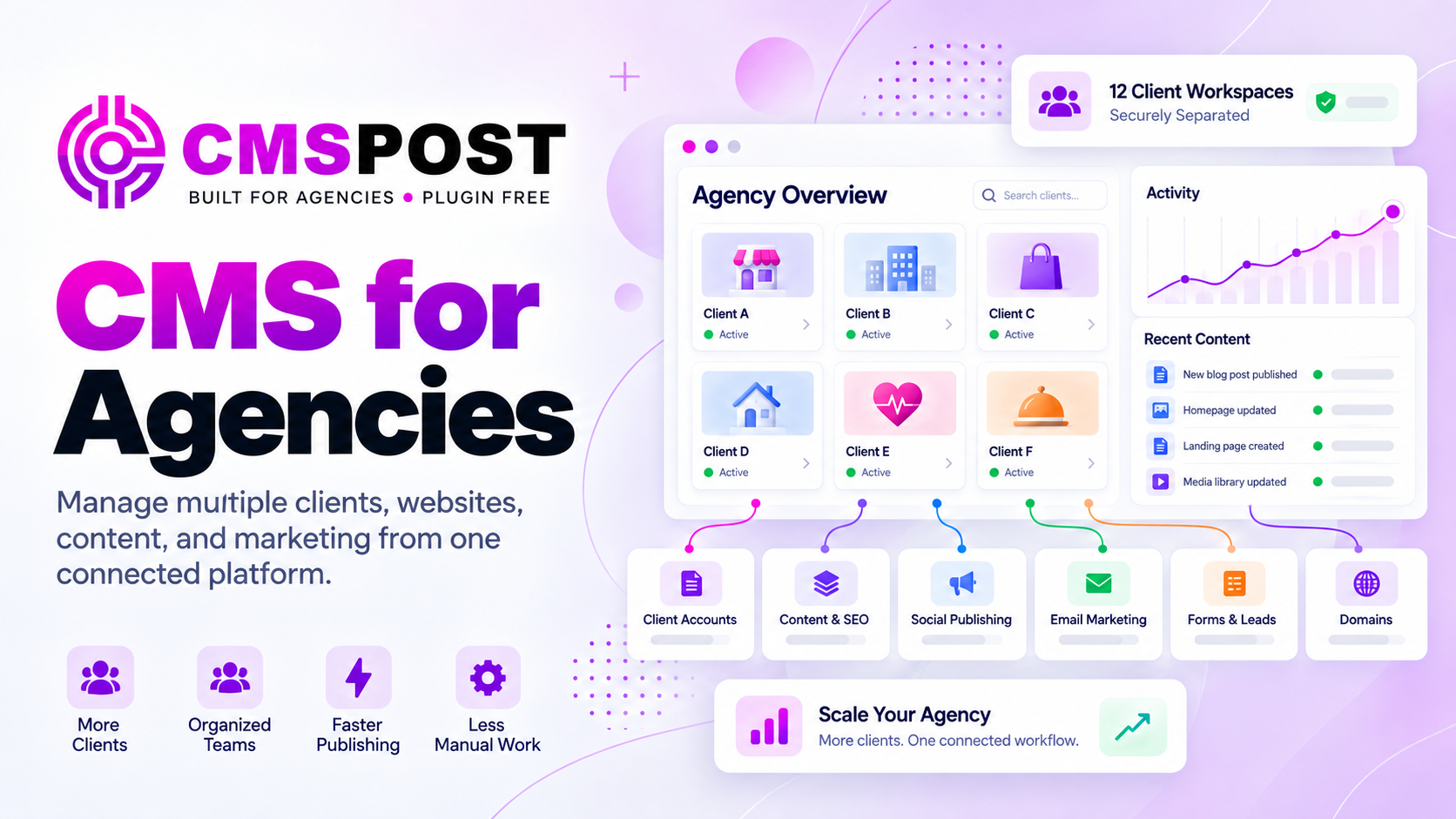
Your Server. Your Brand. Every Client in One Platform.
Install CMSPost on your agency’s compatible hosting environment, brand it as your own, and manage client onboarding, SEO content, website publishing, social media, communications, Google reviews, and reputation from one lightweight, modular, protected platform.
Home
•
Insights
•
CMS for Agencies: How to Manage Multiple Clients From One Connected Platform
CMS Platform
CMS for Agencies: How to Manage Multiple Clients From One Connected Platform
By CMS POST INC
Agency Operations
CMS for Agencies: How to Manage Multiple Clients From One Connected Platform
Most content management systems are built around a website. Agencies operate around a portfolio. That difference becomes painful as client work expands across separate logins, incompatible plugins, disconnected marketing tools, inconsistent permissions, and hosting environments that only one developer understands. A CMS for agencies should provide a shared operational layer without turning every client into one undifferentiated account.
What Is a CMS for Agencies?
A CMS for agencies is a platform designed to manage content and access across multiple client organizations, websites, and domains. Unlike a conventional single-site CMS, it should let an agency move between accounts, assign roles, standardize production, and preserve separation between each client’s content and data.
That does not require one particular architecture. An agency may choose a traditional, decoupled, or headless CMS. The important question is whether the system supports the operating model. A technically flexible platform can still create unnecessary friction if routine publishing requires developers or every new capability requires another integration.
Area
Typical single-site CMS
Agency-focused CMS
Administration
One site or installation at a time
Portfolio-level view across clients
Access
Site roles
Agency, reseller, and client roles
Data
Shared within one site
Separated by client workspace
Workflow
Configured independently
Repeatable across accounts
Economics
Per-site tools and maintenance
Scalable portfolio operations
1. Start With Client-Isolated Workspaces
Centralized administration should never mean careless data sharing. Every client needs a defined workspace containing its domains, users, content, forms, contacts, campaigns, and configuration. Staff should see only what their responsibilities require. When a client relationship changes, access should be removable without affecting anyone else.
Ask vendors how isolation is enforced, not just how the dashboard looks. Can an agency user work across assigned clients? Can a client user accidentally discover another account? Are email lists and form submissions separated? Can the agency export a client’s information if the relationship ends? These questions reveal whether “multi-client” is an interface feature or a real governance model.
2. Match Roles to the Agency Hierarchy
A useful role system reflects how services are delivered. A super-administrator may govern the platform. Agency administrators may manage accounts and domains. Resellers may control their own portfolios, while client users receive narrower publishing or review access. The system should support these boundaries without requiring shared passwords.
3. Treat Domains as a Portfolio
Agency growth should not require rebuilding the operating model for every domain. Administrators need a clear inventory of websites, deployment status, ownership, and associated client. Packages based on domain capacity can be easier to forecast than stacking unpredictable per-user subscriptions, especially when strategists, writers, account managers, developers, and clients all need access.
4. Standardize Content Without Making It Generic
Agencies need repeatable structures with room for client-specific strategy. Blog posts, core website pages, service descriptions, and geographic pages should use intentional fields and templates. Structured content helps teams create consistently, reuse approved business details, and automate metadata without copying yesterday’s page into a new editor.
This is where a lightweight CMS can be attractive. A focused system carries less operational overhead than a broad platform assembled from unrelated extensions. A plugin-free CMS can also reduce version conflicts and the recurring task of evaluating third-party components, although agencies must still maintain hosting, integrations, access, and backups.
5. Make SEO and Geographic Content Native
SEO controls should be part of the content model. Editors need unique titles and descriptions, stable slugs, canonical URLs, indexing directives, structured data, image alternatives, redirects, and useful internal links. Sitemaps should contain canonical indexable URLs, and schema should accurately represent visible content.
For local campaigns, service-area production should be structured enough to maintain correct business information and meaningful enough to avoid thin, interchangeable pages. Templates can guide coverage, but expertise and local relevance must come from the team. Use our SEO-friendly CMS checklist when testing actual output. No CMS guarantees rankings; it should make sound implementation easier and errors easier to detect.
6. Connect Content, Social, Email, and Forms
A webpage is often the beginning of a campaign rather than the finished product. Agencies may turn the same subject into a blog post, social updates, an email, a landing page, and a follow-up sequence. When these tasks live in separate systems, teams duplicate copy, upload assets repeatedly, reconcile contacts, and rebuild approvals.
7. Choose a Deployment Model That Preserves Options
Some agencies want the CMS to render complete pages. Others need to embed content into an existing site, mirror content to another environment, generate static output, or apply a custom theme. Flexible delivery helps an agency serve different technology stacks without replacing the editorial system each time.
Clarify where source data and published files live, how domains and SSL are managed, and how content can be exported. Self-hosting offers control but makes the agency responsible for compatible hosting, patches, backups, monitoring, recovery, and server security. Vendor-hosted SaaS shifts more infrastructure work to the vendor, with different portability and pricing constraints.
8. Evaluate Security as a Shared System
Security is broader than a feature checklist. Review authentication, permissions, account isolation, software updates, encryption, logs, backup procedures, incident response, and third-party services. If the CMS depends on plugins, every extension adds another supplier, update cycle, and potential attack surface. Reducing plugins can simplify that surface, but “plugin-free” does not mean vulnerability-free.
Document responsibility. The platform provider may secure application code; a hosting provider may secure infrastructure; the agency may manage users, deployments, and backups; clients may control their own credentials and connected accounts. Unassigned responsibility is where preventable gaps appear.
9. Measure Total Operating Cost
Subscription price is only one line. Include setup, migration, premium extensions, hosting, development, testing, updates, integration subscriptions, staff training, support, and time spent switching among tools. Compare that total against the system’s effect on delivery capacity and client retention.
For example, an all-in-one SaaS suite can be convenient but costly as contacts, features, and seats increase. Our CMSPost versus HubSpot CMS comparison explains how a focused agency platform and a broad vendor-hosted suite solve different problems. Neither model is universally best; the right economics depend on services, clients, skills, and growth plans.
10. Turn Operational Efficiency Into Agency Value
A better CMS should improve more than internal margins. Faster launches, consistent governance, clear client access, and connected campaigns can become part of the agency’s offer. White-label presentation may reinforce the client relationship. A reseller or partner program may also create recurring revenue, but agencies should examine eligibility, attribution, payout rules, support responsibilities, and client ownership before forecasting income.
The durable advantage is a repeatable service system supported by expertise, quality control, and measurable outcomes.
Agency CMS Evaluation Checklist
Question
What to verify
Can clients remain separate?
Users, content, contacts, channels, domains, and exports
Can roles match our team?
Agency, reseller, client, publishing, and administrative boundaries
Can workflows repeat?
Templates, structured fields, approvals, metadata, and deployment
Can we control search output?
URLs, canonicals, schema, redirects, sitemaps, and indexation
Can it connect campaigns?
Social, email, forms, audiences, and reporting responsibilities
Can we leave cleanly?
Content export, domain control, data portability, and migration process
What does it truly cost?
Domains, seats, hosting, extensions, integrations, labor, and support
How CMSPost Fits the Agency Model
CMSPost is designed as a lightweight, plugin-free platform for multi-client agency operations. It organizes work into client-isolated spaces and supports super-admin, agency-admin, reseller, and client-user roles. Agencies can manage structured blog, core-page, and Service Area/GEO content alongside SEO metadata and schema, social publishing, email marketing, forms, and reputation-direction workflows.
For delivery, CMSPost supports rendered output, embedding, Mirror Mode, static output, and a Theme Engine, depending on the implementation. It is PHP-based and can be self-hosted on compatible agency-controlled infrastructure. That provides control, while leaving hosting security, backups, monitoring, and recovery with the agency and its providers. Domain-based packages with unlimited seats are intended to align costs with the client portfolio, and reseller commissions may provide an additional recurring-revenue path under the applicable program terms.
The deciding question is practical: does the platform fit your services, technical resources, deployment standards, and client expectations? Build a pilot around a real client workflow, test permissions and output, calculate the full operating cost, and verify how the system behaves when content must be migrated or an account must be handed off.
Frequently Asked Questions
What is a CMS for agencies?
It is a content platform built to manage multiple client websites, users, domains, workflows, and related marketing activity from one administrative environment while preserving client separation.
How is an agency CMS different from a standard CMS?
A standard CMS usually centers on one website. An agency CMS adds portfolio-level administration, client isolation, role-based access, repeatable workflows, scalable domain management, and often connected marketing capabilities.
Should agencies use one CMS account for every client?
One administrative platform can improve efficiency, but each client should have a logically isolated workspace with controlled users, domains, content, forms, email audiences, and client-specific data.
Is a headless CMS always best for agencies?
No. Headless architecture can suit custom front ends and omnichannel delivery, but it may add development and integration work. The choice depends on requirements, skills, budget, and governance.
What should an agency evaluate before choosing a CMS?
Evaluate client isolation, roles, domains, content models, SEO controls, connected channels, deployment, security responsibilities, support, migration, total cost, and the ability to repeat successful workflows.
Tags:CMS for AgenciesCMS Agency PlatformAgency CMS Systems
C
cmspost.com Editorial Team
Helpful perspectives, practical guidance, and resources published for our readers.