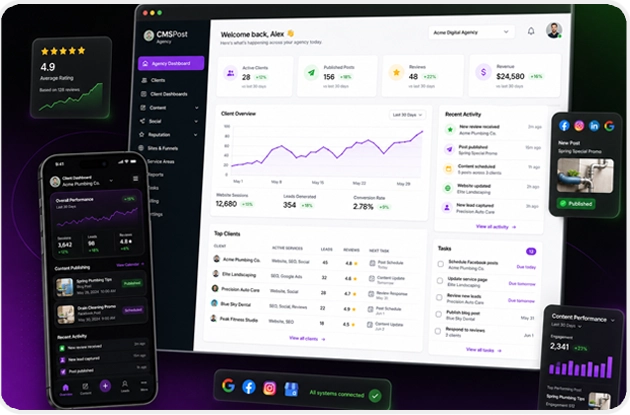
From Agency Setup to Live Client Publishing
Choose an agency plan, download your licensed CMSPost package, install it on your compatible hosting environment, apply your branding, and launch protected workspaces for every client.
CMSPost guides the agency from purchase and installation through client onboarding, website deployment, social publishing, communications, reviews, and ongoing delivery.
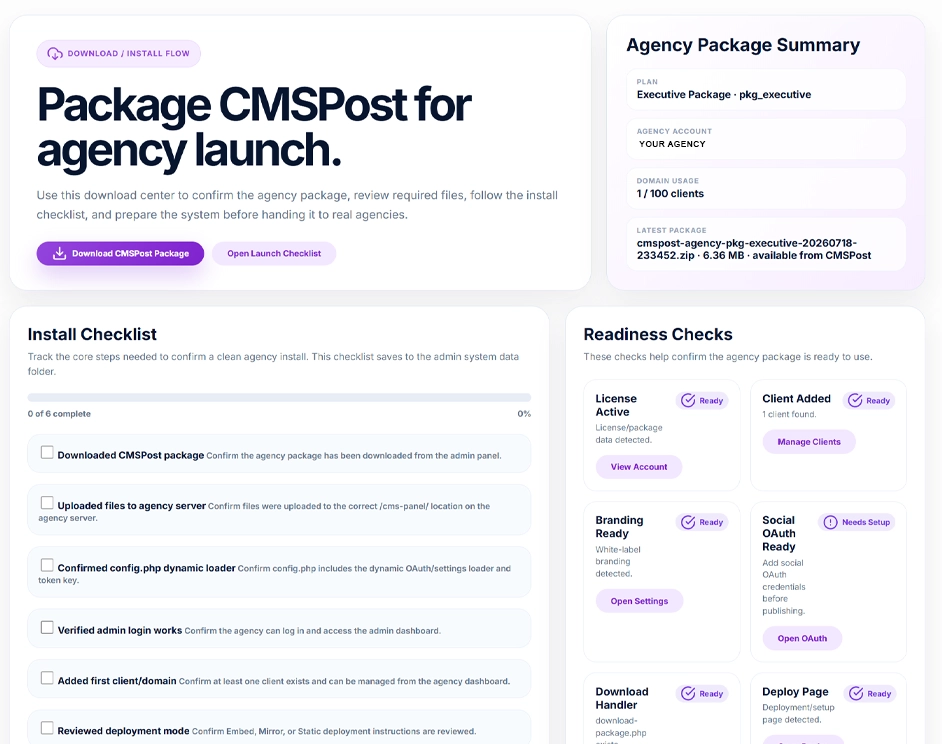
Choose a plan, complete secure checkout, receive your license and private package download, then install and activate CMSPost on your compatible agency hosting environment.
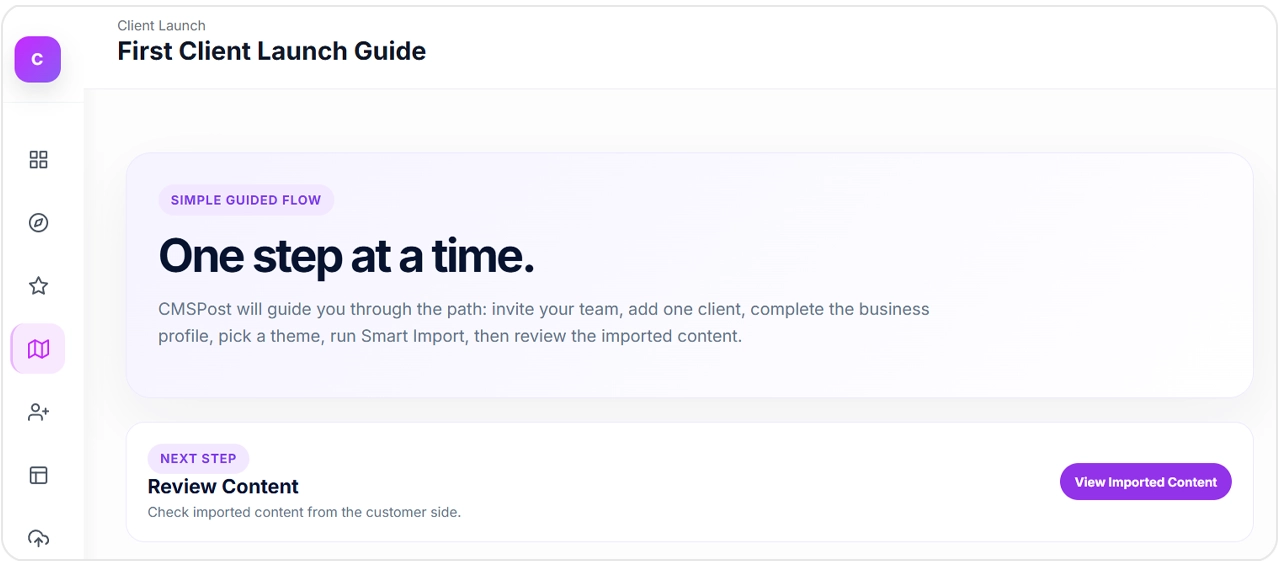
Create a protected client workspace, add the business profile, scan the existing website, import selected content, and choose whether to keep the existing website design with Universal Content Embed or use an advanced deployment method.
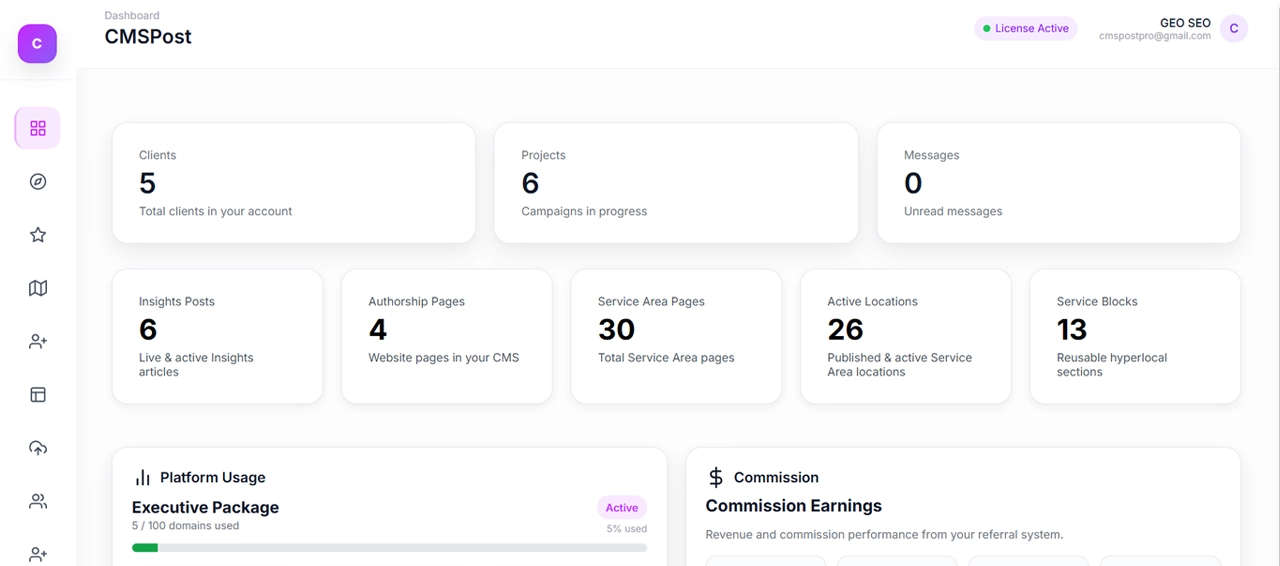
Continue managing content, website publishing, social media, branded email communications, Google reviews, reputation, users, and client activity from the same agency installation.
Agency Installation
Publishing Modes
Proven Social Platforms
White-Label Ready
CMSPost turns the agency launch into four clear stages so you always know what comes next.
Select the client capacity and support level that fits your agency, then complete secure checkout.
Receive your license and private package link, then upload CMSPost to your compatible hosting environment.
Activate your installation and add the agency name, logo, colors, email provider, and support details.
Create the protected workspace, import the current website, connect services, and begin client delivery.
Add the client, import the existing website, build localized content, connect services, and launch through one guided workflow.
Keep content, publishing, social media, communications, reviews, reputation, and client access organized in the same platform.
Create and manage blogs, authority content, service pages, local pages, metadata, schema, and internal links.
Publish directly inside the current website with Universal Content Embed, or use Mirror, Static Pull, Theme Engine, or WordPress workflows based on the client’s environment.
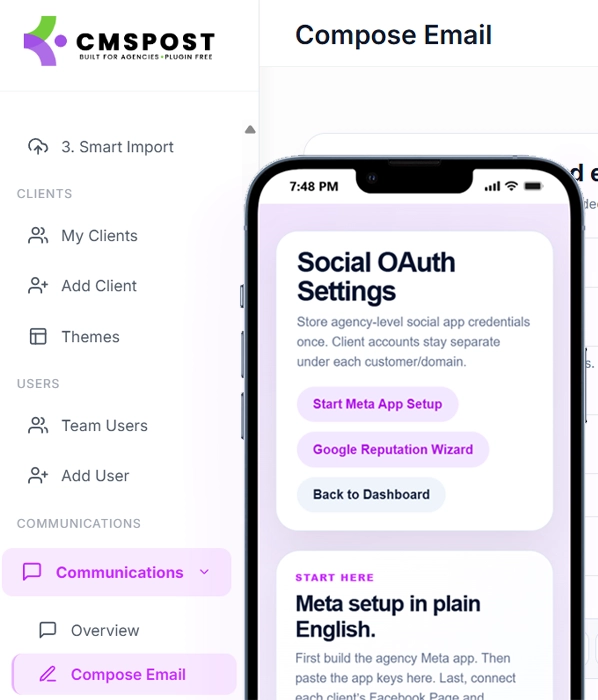
Create, schedule, and publish approved content across Facebook, Instagram, LinkedIn, X, and YouTube, while managing branded email communications and alerts.
Display Google review widgets, connect business locations, organize response workflows, and support the client’s online reputation.
Connect publishing, communications, payments, websites, and hosting environments without replacing the systems your clients already rely on.
Platform availability and compatibility may depend on hosting access, account eligibility, developer approval, API permissions, subscription level, and available custom-code capabilities.